 2026-08-20
When planning an LED video wall, one of the most common questions is about LED Display Resolution (LED resolution) and Video Wall Resolution Calculation.
Unlike traditional LCD monitors or televisions that come with fixed resolutions like 1080p or 4K, LED display resolution is determined by how you build the wall. The screen size, cabinet selection, and pixel pitch all work together to define the final pixel count.
For anyone involved in LED display sourcing, rental, or installation, knowing how to calculate LED wall resolution is essential. It ensures you spec the right product for your content requirements, avoid costly mismatches, and deliver the visual quality your clients expect. Knowledge about LED video wall resolution and LED panel resolution are explained in the following content.
In simple terms, LED display resolution refers to the total number of pixels that make up the LED cabinet; it is expressed as the number of horizontal pixels × vertical pixels (e.g., 1920 × 1080).
Each pixel on an LED display is the smallest controllable element that emits light. In most cases, one LED lamp equals one pixel. The more pixels you have, the more detail and clarity your LED screen can display.
Horizontal Pixels = LED Panel Width (mm) ÷ Pixel Pitch (mm)
Vertical Pixels = LED Panel Height (mm) ÷ Pixel Pitch (mm)
Content compatibility: Matching resolution to source material ensures clean, artifact-free images
Pixel pitch is the distance from the center of one pixel to the center of the adjacent pixel, measured in millimeters. The pixel pitch directly determines how many pixels fit into a given screen area.
The golden rule:
Smaller pixel pitch = more pixels in the same area = higher resolution
Larger pixel pitch = fewer pixels in the same area = lower resolution
This relationship is why high-end indoor displays often use ultra-fine pitches like P1.2, while outdoor billboards use larger pitches like P8 or P10.
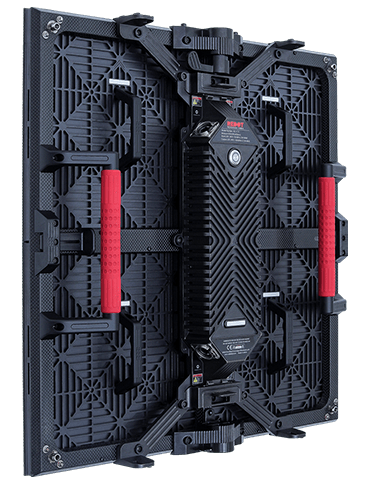
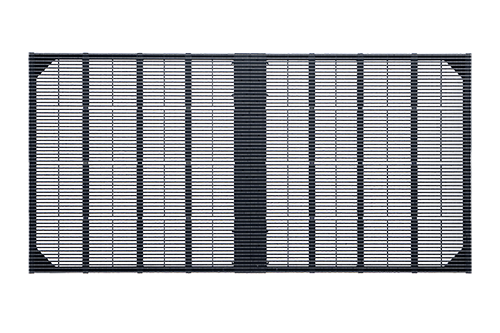
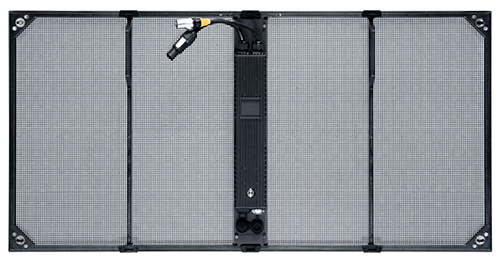
Let us look at two real-world products to illustrate the pixel pitch-resolution relationship:
|
Product |
Pixel Pitch |
Dimension |
Cabinet Resolution |
|
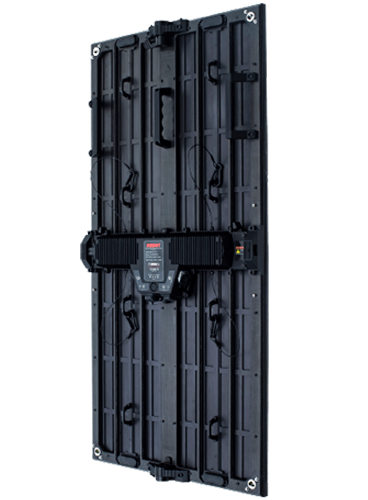
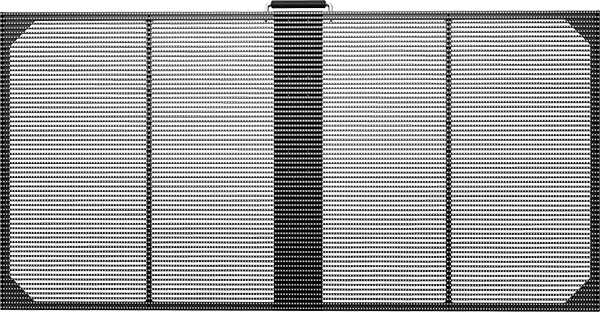
Redot iLHolo3.9 |
3.9mm |
1000*500mm |
256*128 |
|
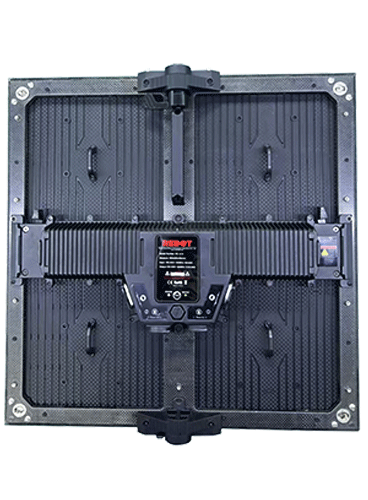
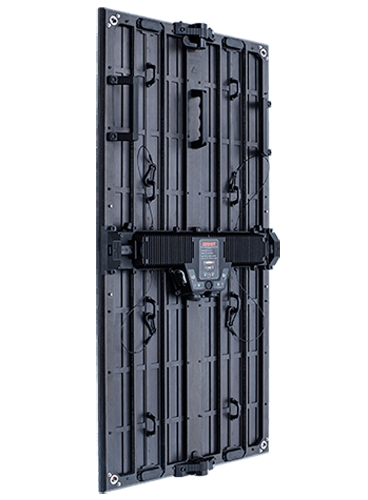
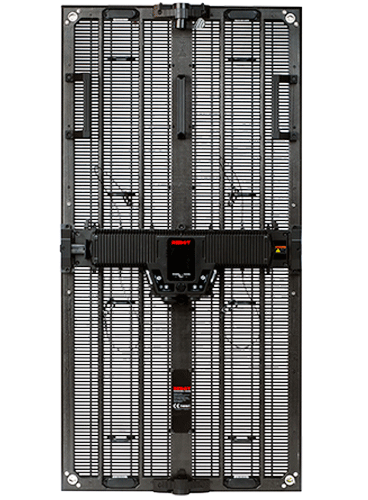
Redot RC-M6.9 |
6.9mm |
500*1000mm |
72*144 |
How to Calculate LED Video Wall Resolution
There are two practical ways to calculate LED wall resolution. The choice depends on whether you are designing from scratch or working with existing cabinets.
If you know the physical dimensions of the LED screen and the pixel pitch, you can calculate resolution directly.
Formula to calculate LED Video Wall Resolution:
Horizontal Pixels = Screen Width (mm) ÷ Pixel Pitch (mm)
Vertical Pixels = Screen Height (mm) ÷ Pixel Pitch (mm)
Let me show you an example:
You are planning a LED video screen that is 4000mm wide and 2000mm high using a P2 (2mm pitch) LED panel.
Horizontal resolution = 4000 ÷ 2 = 2000 pixels
Vertical resolution = 2000 ÷ 2 = 1000 pixels
Total resolution = 2000 × 1000
Please note:
The result must be a whole number, because you cannot have half a pixel;
The screen dimensions and pixel pitch must be compatible;
If your calculation yields a fraction, adjust the LED screen size or choose a different pixel pitch
When you are building an LED display from pre-defined cabinets, this method is more practical. You multiply the resolution of a single cabinet by the number of cabinets in each row and column.
Formula of LED Cabinet Assembly Method:
Total Horizontal Resolution = Cabinet Horizontal Pixels × Number of Cabinets per Row
Total Vertical Resolution = Cabinet Vertical Pixels × Number of Cabinets per Column
Let's take an example:
You are using a cabinet with a resolution of 320 × 160 pixels. You plan to arrange 6 cabinets horizontally and 4 cabinets vertically.
Horizontal resolution = 320 × 6 = 1920 pixels
Vertical resolution = 160 × 4 = 640 pixels
Total resolution of the LED video screen= 1920 × 640
As you can see from the examples above, LED video walls often do not match the standard 16:9 aspect ratio used by most video content.
Standard LED resolutions include:
|
Resolution |
Pixel Dimensions |
Aspect Ratio |
|
720p (HD) |
1280 × 720 |
16:9 |
|
1080p (Full HD) |
1920 × 1080 |
16:9 |
|
1440p (QHD) |
2560 × 1440 |
16:9 |
|
4K (Ultra HD) |
3840 × 2160 |
16:9 |
|
8K |
7680 × 4320 |
16:9 |
An LED video wall with a resolution of 2000 × 1000, for example, is not 16:9; it is wider relative to its height (2:1 ratio). Similarly, a wall built with 6 × 4 cabinets at 320 × 160 per cabinet yields 1920 × 640 is a much wider aspect ratio (3:1).
The most professional approach is to design content specifically for your screen’s native resolution. This ensures perfect pixel-to-pixel mapping and the cleanest possible image.
Use video editing software to create a timeline at your screen’s exact resolution;
Scale images and graphics to match.
Standard LED controllers do not scale video. They simply pass the signal through. If the content resolution does not match the screen resolution, the image will be cropped, stretched, or not display at all. You can use a combined controller + scaler unit, such as the NovaStar VX400 to deal with it.
Not all content requires the same resolution. Choosing the right resolution for your high resolution LED display depends on what you plan to show.
Best choice: Standard LED screen sizes with moderate resolution
Why: Text needs to be large and readable. Very high resolutions can make text appear too small on screen, which will force you to enlarge text at the cost of content layout
Applications: Corporate presentations, slideshows, simple signage
Best choice: Large LED screens with high resolution
Why: Photos and videos benefit from extra detail, better color reproduction, and improved clarity. Higher resolution reveals fine details and creates a more immersive experience
Applications: Concerts, advertising, broadcast, virtual production
|
Content Type |
Recommended Resolution |
LED Screen Type |
|
Text / Presentations |
720p – 1080p |
Standard pitch (P2.5 – P3.9) |
|
Images |
1080p – 4K |
Medium to fine pitch (P1.5 – P2.6) |
|
Video / Broadcast |
4K – 8K |
Fine pitch (P1.2 – P1.9) |
|
Virtual Production |
4K – 8K |
Ultra-fine pitch (P0.9 – P1.2) |