 2026-07-28
So, you have decided to take the plunge. You have seen those stunning LED displays for events – the massive, vibrant video walls that transform concerts, corporate galas, and trade shows into immersive experiences. Now, you want one for your next production.
But here is the reality check that many first-timers miss: what you see on stage is the result of careful planning, technical expertise, and a lot of behind-the-scenes work. The glossy videos and impressive show reels do not show you the power calculations, the setup headaches, the troubleshooting at 2 a.m, or the transport logistics.
As one experienced event professional put it: "If you’re new to LED displays, the biggest thing to watch out for is what it’s really like once you’re on site."
We have gathered insights from seasoned users and rental professionals to bring you this practical guide. Whether you are considering a rental LED display for your first event or looking to expand your production capabilities, these seven considerations will save you time, money, and stress.
One of the most common surprises for beginners is power consumption. LED video walls are power-hungry, and many venues simply do not have the necessary capacity available at the locations where you want to set up.
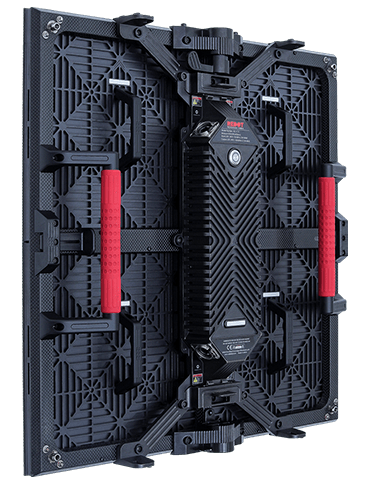
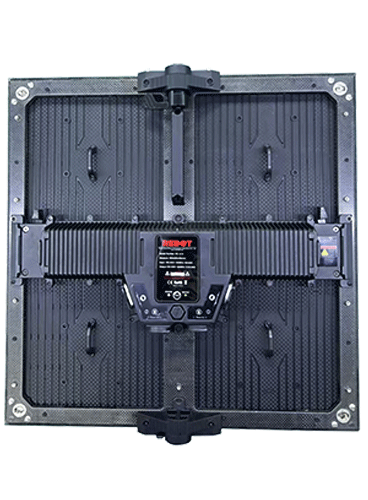
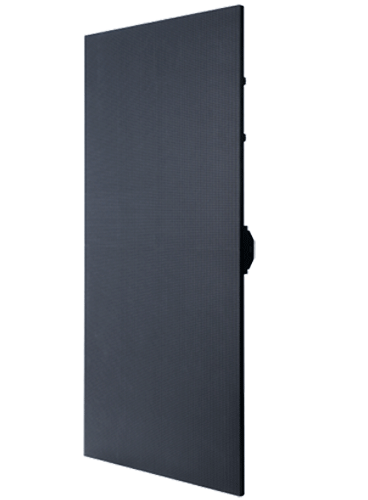
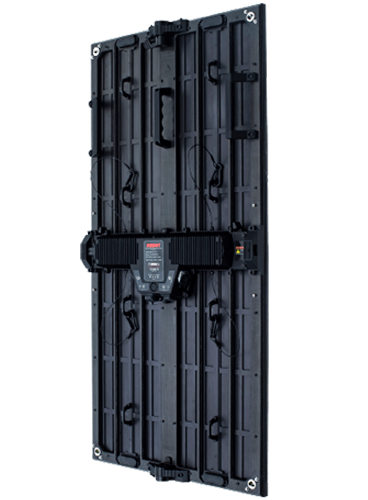
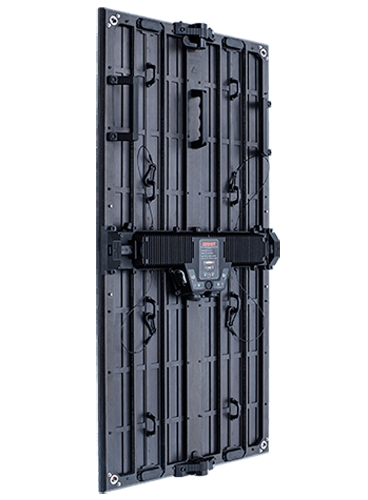
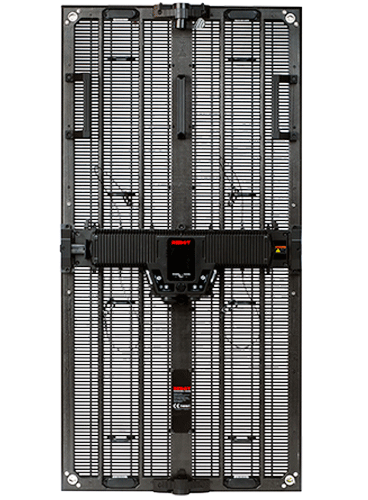
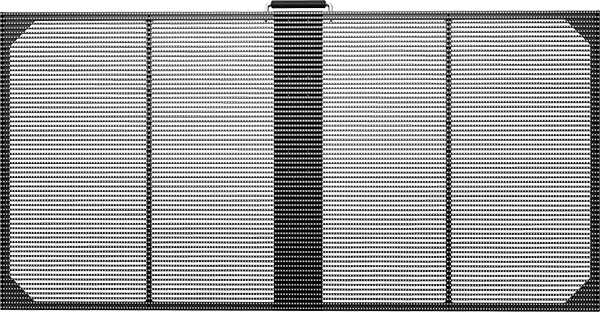
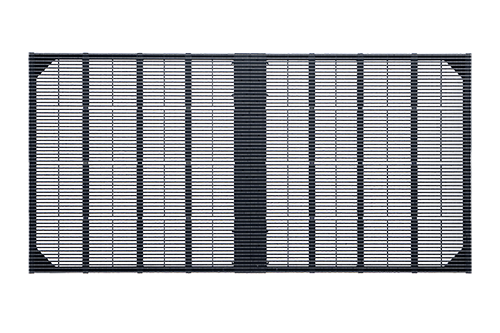
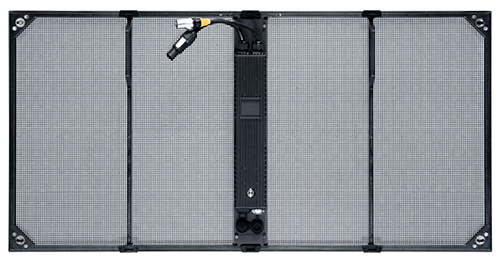
A outdoor rental LED display can draw 750–1,000 watts per square meter at maximum brightness, and its typical power is from 300 to 500 watts per square meter at normal playback. By the way, Redot LED displays are designed under the conception of saving energy. For example, our RC-oL3.9 outdoor LED displays 500*1000mm only consume 283w/panel at maximum brightness and 141.5w/panel at typical playback brightness.
Large screens may require dedicated 3-phase power or multiple 220V circuits
Power distribution needs to be balanced across phases to avoid tripping breakers
Generators, if used, must be sized appropriately, and they need to be quiet enough for the event
Please always remember to request a power requirements sheet from your LED display panel supplier before the event. Share this with the venue’s electrical team well in advance. And then add a 20% safety margin to your calculations.
Setting up an LED display for rent is not a plug-and-play operation. Even with experienced crews, a large video wall can take 4–8 hours or more to assemble, cable, and calibrate.
FYI, Redot Visual LED display panels are all made with sheet-formed carbon fiber, so these products are ultra lightweight. That means you can save quite a lot labor with Redot LED rental LED display.
Ground-stacked vs. Hanging Installation: Flying a screen requires rigging, truss, and safety certifications
Complex configurations: Curved or custom-shaped walls add significant time
Cable management: Power and data cables must be organized and protected
Calibration: Color and brightness uniformity requires careful adjustment
Beginner's mistake: Underestimating setup time and scheduling load-in too close to doors opening. If you are new to this, double your estimated setup time and plan for a full day before the event begins.
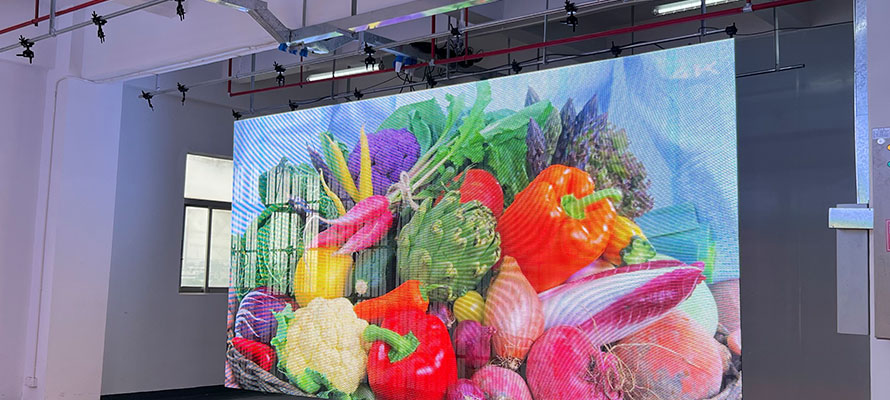
Pixel pitch is the distance between the center of one pixel and the center of the next, measured in millimeters. It is arguably the most important specification for any LED video wall solution.
Smaller pixel pitch (e.g., P1.5 – P2.6) = higher resolution, suitable for close-up viewing
Larger pixel pitch (e.g., P3.9 – P6.9) = lower resolution, suitable for long-distance viewing
Optimal viewing distance (meters) ≈ Pixel pitch (mm) × 2. So a P3.9 screen is best viewed from about 8 meters away. If your audience is closer, you need a smaller pixel pitch. If they are farther, you can save money with a larger pitch.
Be careful about overspending on big screens and underspending on clarity. A massive screen with poor resolution is a missed opportunity and a disappointed audience.
LED displays for events are large, heavy, and fragile. Transporting them safely from the warehouse to the venue and back is a logistical operation in itself.
Damaged panels – Even with careful handling, panels can get damaged. Always bring spare modules and cabinets to the event
If you are renting from a video wall solution provider, clarify who is responsible for transport, loading, and unloading. Some suppliers include delivery; others expect you to arrange logistics. And always have a damage protocol document the condition of every panel before and after use to avoid disputes.
Here is a hard truth: LED screen issues will happen. Pixels will fail. Cables will come loose. Power supplies will trip. And when something goes wrong, someone has to fix it, and that someone is usually you.
Module failures – Entire sections of the screen going dark or displaying corrupted data
Learn basic LED screen fix techniques: how to swap modules, reseat cables, and adjust settings
Designate someone on your team as the LED technician for the event
If you lack confidence in your troubleshooting abilities, consider hiring an experienced LED technician for your first few events. It is a cost worth paying.
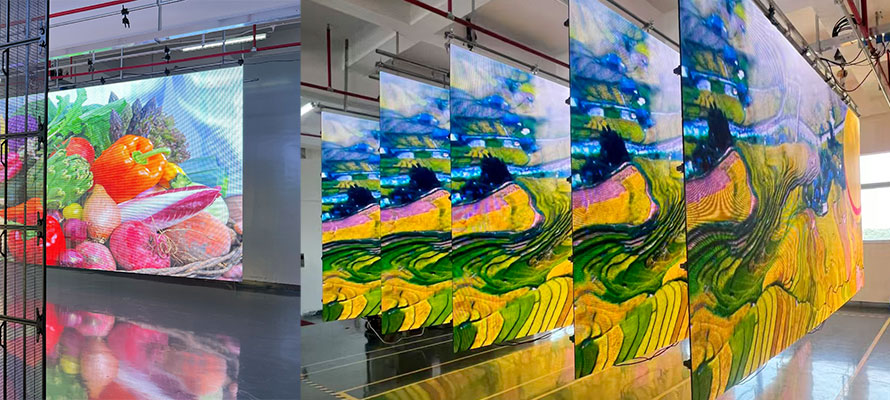
A bright screen does not fix weak creative. This is one of the most overlooked lessons in event production.
Low-resolution assets – Stretching standard-definition content to fill a massive screen looks terrible
Content designed for the audience – consider viewing distance, ambient light, and dwell time
Please remember: At events, people are often walking, talking, and multitasking. Your content needs to be instantly legible and visually striking. Simple usually works better.
If you have not had any LED wall rental experience, the best advice is this: do not go it alone.
Partner with a production company that already has LED display expertise. Work alongside their team during setup, show, and strike. Observe how they handle power, cabling, troubleshooting, and client communication. This is the fastest way to learn the practical realities of rental LED display operations.
Many LED display suppliers offer professional training programs. These courses cover:
System architecture and signal flow;
Setup and configuration procedures;
Calibration and color management;
Troubleshooting common LED screen issues;
Maintenance best practices
Begin with smaller LED display for rent setups and gradually scale up as your confidence and expertise grow. This minimizes risk while maximizing learning.
Your choice of LED display panel supplier will significantly impact your success. Here is what to look for:
Rental-friendly design – Are the panels lightweight, durable, and easy to assemble?
A good supplier is more than just a vendor; they are a partner in your success.
There is no substitute for hands-on experience with LED displays for events. Every setup is different. Every venue presents new challenges. And every event teaches you something new.
But with these seven considerations: power, setup time, pixel pitch, logistics, troubleshooting, content, and training, you will be far better prepared than most first-timers.